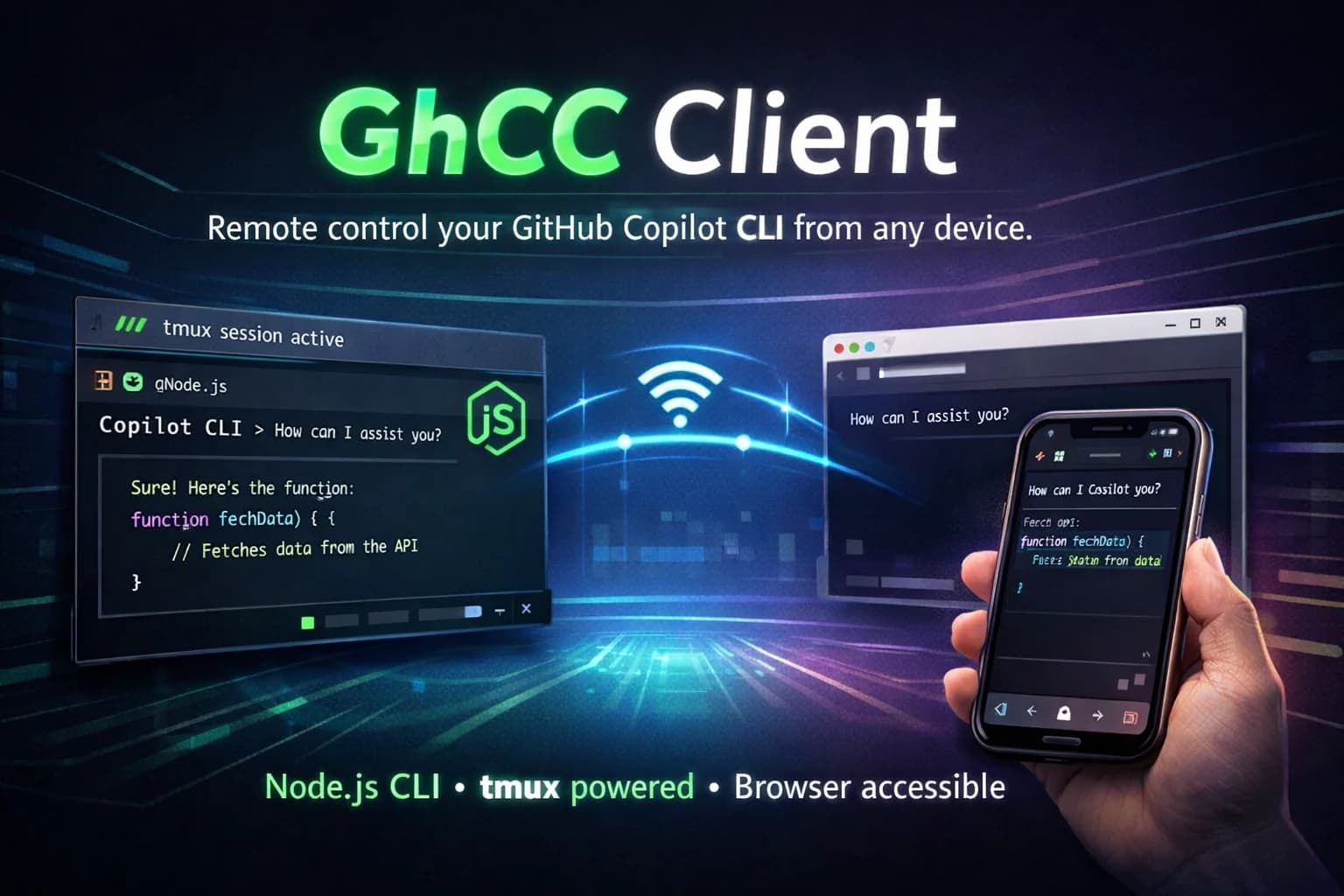
GhCC Client was developed for my personal use as well as a submission for the Github Copilot CLI Challenge.
While Copilot CLI is incredibly capable, interacting with it away from your machine is difficult. Typing complex commands on a mobile keyboard is frustrating, and many interactive terminal controls simply don’t translate well to touch devices.
The idea was straightforward but impactful: keep your Copilot CLI running in a persistent terminal session and remotely interact with it from any device with a browser. This enables lightweight development workflows even when you're not sitting at your desk.
Under the hood, the tool uses Node to power the CLI client and orchestrate the workflow. ensures sessions remain alive across disconnects and terminal closures, while a web-based terminal layer exposes the session securely to devices via . A custom mobile keyboard toolbar recreates essential desktop keys like Ctrl, Tab, and arrow keys — controls that are normally missing on phones.
One of the most practical aspects of GhCC Client is its voice-friendly workflow. By leveraging native mobile speech-to-text (like Gboard’s microphone), users can speak prompts naturally and send them directly to Copilot CLI, turning the terminal into a more conversational interface.
The end result is a lightweight remote interaction layer purpose-built for AI CLIs — not a heavy remote desktop replacement, but a focused bridge that makes Copilot more portable and accessible.
Things to consider
- The project was built in 3 days for the GitHub Copilot CLI Challenge and is a Minimum Viable Product.
- Compatibility across all environments is still evolving and may require further testing.